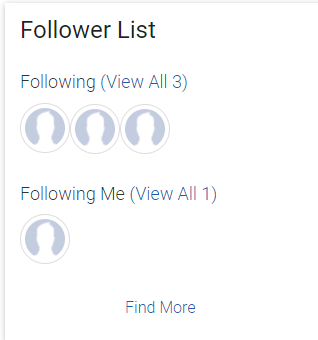
This widget allows you to see everyone who you are following, as well as everyone who is following you. This widget also allows you to search for additional people to follow.
There are no customizable settings that an administrator needs to set up on this widget.
Hover over a person icon to see their name.
Click on the person icon to see their profile.
To follow additional people, click the Find More link at the bottom of the widget and then search for the person that you want to begin following.
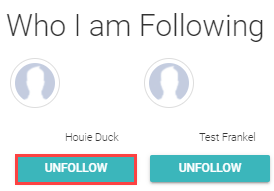
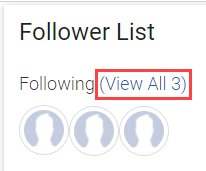
To stop following a person, click the View All link next to Following.
This will open the editing view of who you follow. Click the Unfollow button below their name.